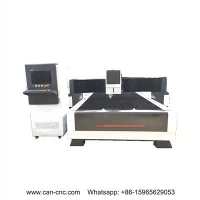
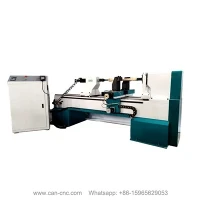
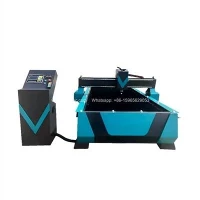
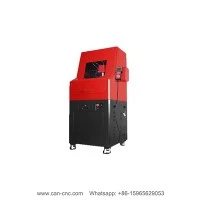
The CNC wood machine will inevitably have a little problem when engraving, but it doesn't matter, let's briefly check if there are any faults in the following places.
Engraving Failure:
1. Whether the screws of each part are loose.
2. Check whether the path you handle is correct.
3. Whether the file size is too large to cause computer processing errors.
4. Increase or decrease the spindle speed to suit different materials (generally 8000-24000).
5. Unscrew the chuck of the knife, turn the knife in one direction to clamp it, and put the knife upright to avoid the engraved object from being dirty.
6. Check whether the tool is damaged, replace it with a new one, and re-carve.
Output Failure:
1. If there is no output, please check whether the computer and the control box are connected properly.
2. Open the settings of the engraving manager to check whether the space is full, and delete unused files in the manager.
3. Whether the wiring of the signal line is loose, carefully check whether each line is connected.